Just record.
Get a polished demo.
Tombo Studio is a free tool that turns screen recordings into demo videos. Your recordings are never uploaded; editing happens in your browser. A background, padding, rounded corners and a shadow are added automatically, and you can add zooms and annotations and cut silences.
- Exports
- MP4, WebM (4K ready), GIF (up to 720p)
- Recording length
- No limit on our side
- Watermark
- None
- Sign-up
- Not needed
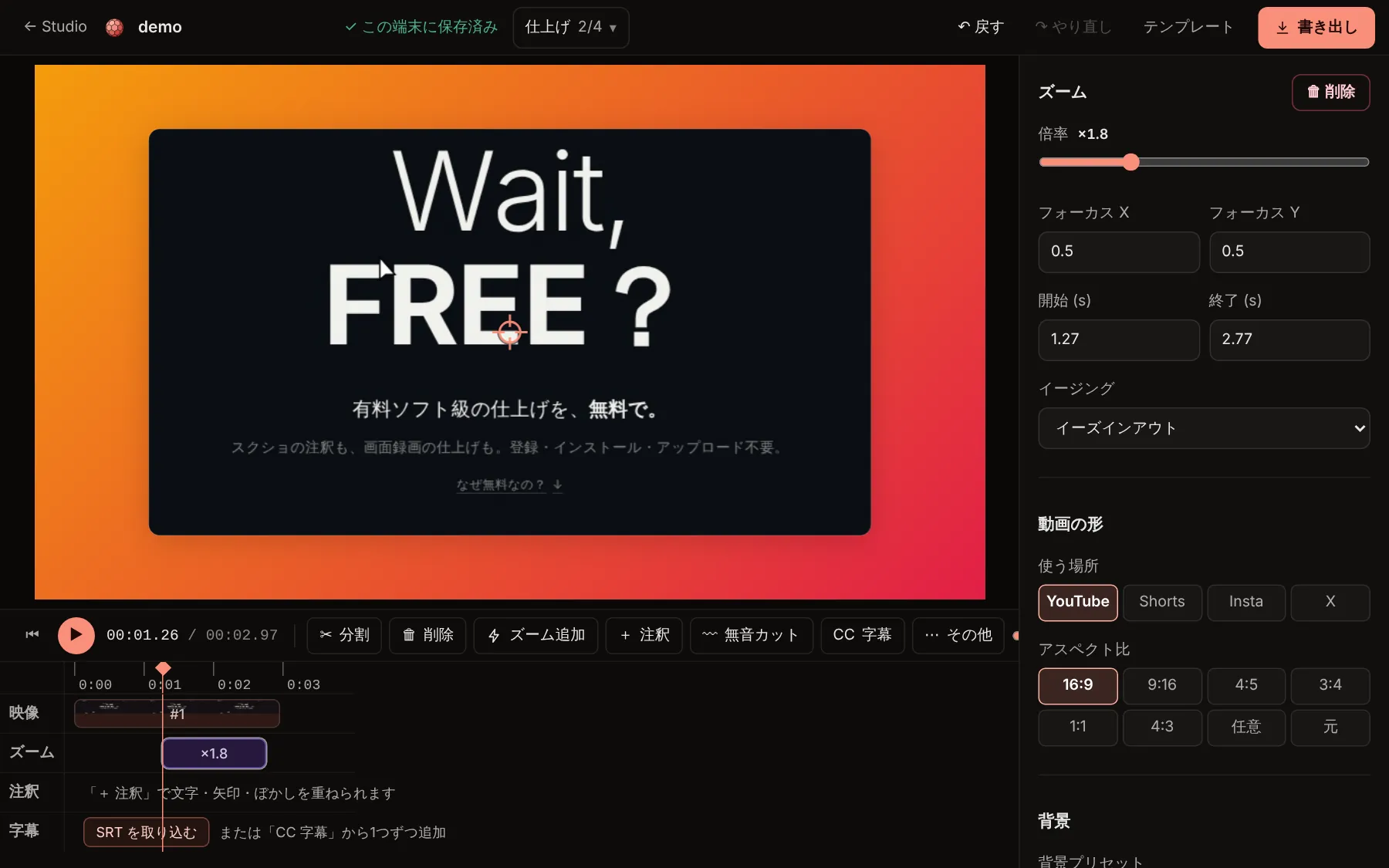
What it does
Use it for product videos, how-to guides, bug reports, social posts, sales decks and more.
- Zoom
- Add one at the playhead with a single tap. Adjust the scale, focus point, start, end and motion on the timeline and in the side panel.
- Background
- Gradients, solid colors or images, plus padding, rounded corners, shadows and browser or macOS-style frames. Choose sizes like 16:9, 9:16 or 1:1.
- Cursor
- Record this tab and your cursor movement and clicks are captured too, with a ripple wherever you click.
- Annotations
- Text, shapes, arrows, highlights and spotlights. Pixelate or blur anything you would rather not show.
- Editing
- Trim, split, duplicate and change speed. Zooms, annotations and subtitles each get their own track, and subtitles can be imported from SRT.
- Automatic
- Cut all silent stretches at once, or split the video wherever the scene changes.
- Export
- MP4 and WebM from 480p to 4K, GIF up to 720p. Save the current frame as a PNG to use as a thumbnail.
Record, polish, export.
- 01Record. Choose a browser tab, a window or your whole screen. Capture your mic, system audio and camera at the same time. You can also start from a video file you already have.
- 02Polish. Your recording opens with a background and rounded corners already applied. Add zooms and annotations, then fix anything you like on the timeline.
- 03Export. Save as MP4, WebM or GIF. Encoding happens on your device too, so there is no upload to wait for.
Same recording. Big difference.
On the left is the raw recording. On the right is the same recording exported from Tombo Studio with a background. Both frames come from the same take.
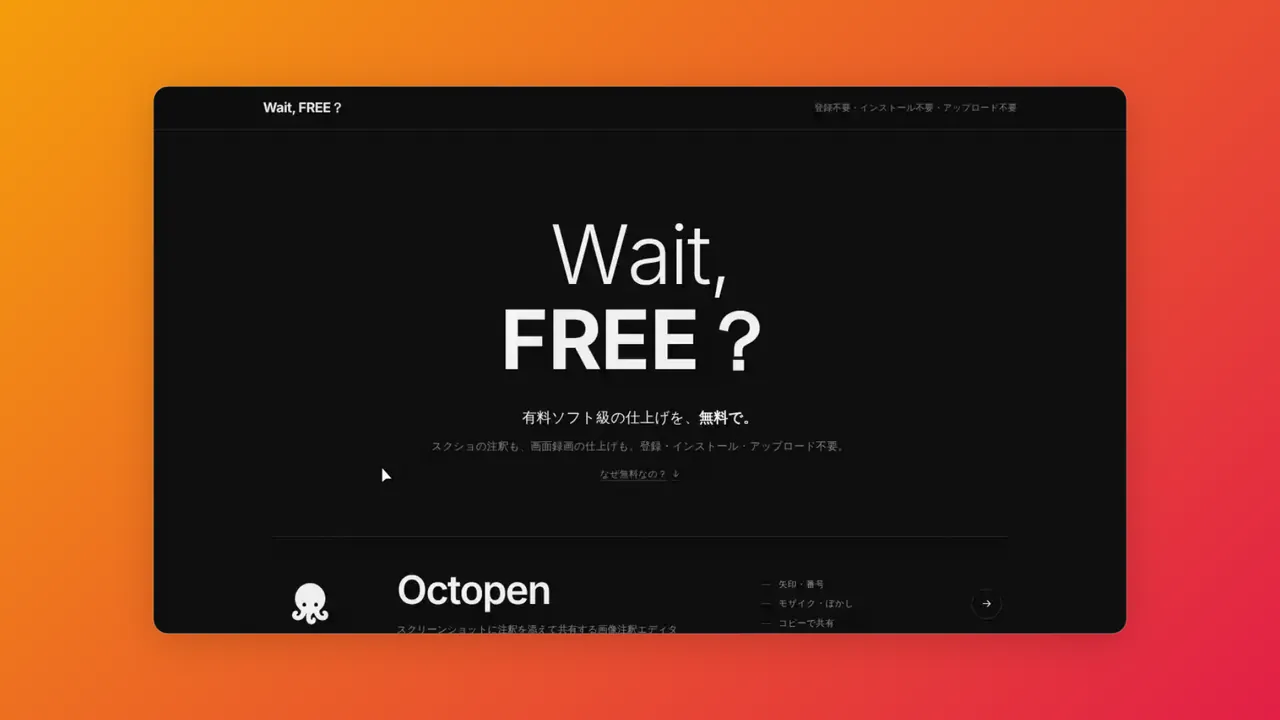
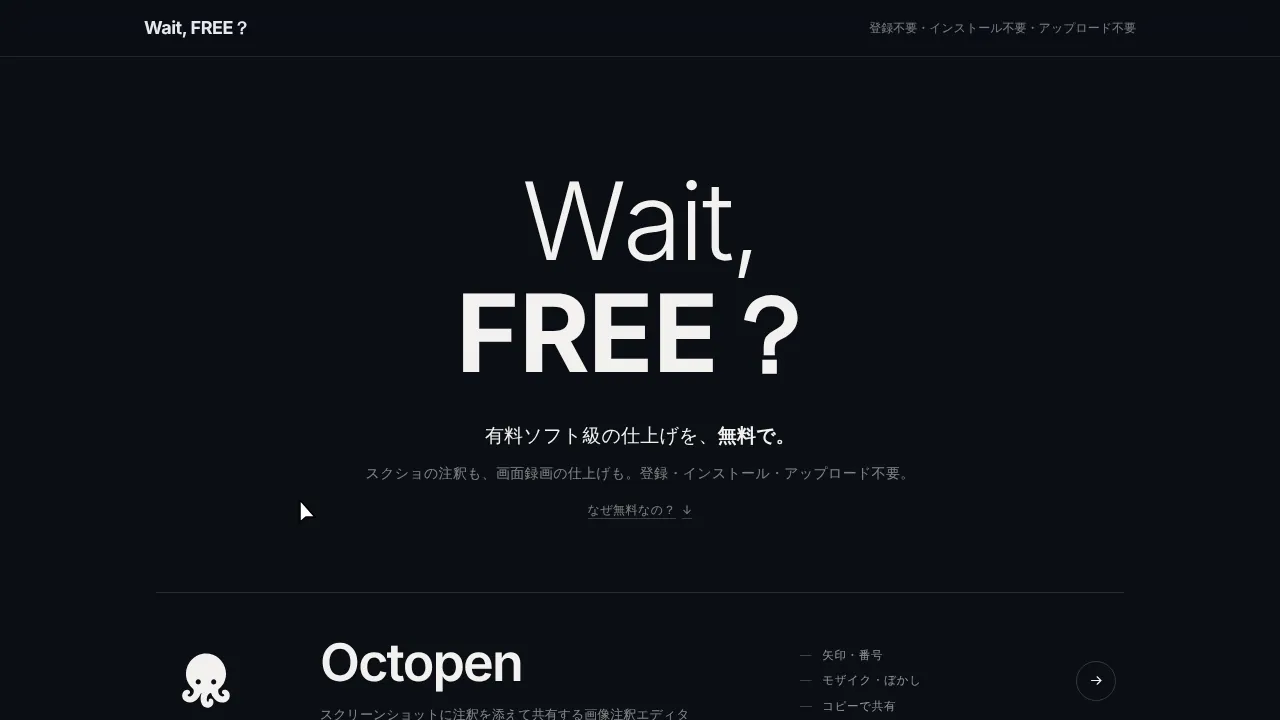 BeforeAfter
Drag, or use the ← → keys, to compare.
Nothing uploaded. Nothing to leak.
Screen recordings often show internal information. So Tombo Studio is built never to send them in the first place.See how it works → Privacy Policy Terms
- 01Nothing is sent anywhere. Recordings, work-in-progress edits and exported videos never leave your device. Use “Keep my work in this browser” to choose whether work in progress is kept for next time.
- 02Not even we can see them. No video is stored on a server, so there is no way for us to look at what you record.
- 03Processing happens on your device too. Encoding uses the browser's built-in WebCodecs, and heavy work runs on background threads. The editing preview uses a lightweight copy, so even 4K recordings stay responsive.
- 04Works in airplane mode. Open the studio, switch to airplane mode, and you can still record, edit and export all the way through.
How it differs from a typical online screen recorder
| How it differs from a typical online screen recorder | Tombo Studio | Typical online service (general example) |
|---|---|---|
| Where your recordings go | Never uploaded (stays on your device) | Uploaded to a server |
| Size, number and usage limits | No limit on length or number | Free plans often have limits |
| Sign-up | Not needed | Sometimes required |
| Waiting | No upload or download wait | Wait for the upload and download |
Last updated
Frequently asked questions
Is it really free?
Yes, completely. Recording, editing and exporting all run on your device, so there are no server costs and no limits on how often, how long or which features you use. We plan to support the site with ads on the page, but we will not add feature limits or usage-based fees.
Do I need to install anything or sign up?
No. Just open the page in your browser. There is no account to create, and only a few steps before you can start recording.
Are my recordings sent to a server?
No. Recordings, edits and exported videos are all processed and stored on your device. It is designed so that we cannot see your content.
Can I use it on a work computer?
Your recordings are never uploaded anywhere, so it fits with workplace rules against uploading files to outside services. Whether you may use it is still up to your workplace’s rules.
Which browsers are supported?
We recommend the latest Chrome or Edge, which support the Screen Capture API and WebCodecs. If a feature is not supported, only that part is turned off and the reason is shown.
Which video formats are supported?
Export to MP4 / WebM (480p to 4K, 24 to 60 fps) and GIF (up to 720p, 15 fps). For import, any format your browser can play works, including MP4, WebM and MOV.
Is there a limit on recording length?
The service sets no limit. The practical limit depends on your device's memory and storage. Recording is designed to use little memory so long sessions work.
Can I use it commercially?
Yes. You own all rights to the videos you make, and there is no watermark. Use them as-is in commercial demos and sales materials.
How is it different from Screen Studio?
It delivers the core look (zooms, cursor effects and beautiful backgrounds) for free, with no install, entirely in your browser. Another big difference is that your video never leaves your device.